Starting my Own Home Lab
A series of blog posts documenting my journey of building and configuring my own home lab!
Why Start a Home Lab?
To start off, I want to apologize in advance - I’d like to keep this series of blog posts a little more casual. I want to document my journey, struggles, solutions, and ideas freely as they’re happening. With that out of the way let’s dive in!
The idea for starting my own home lab began with my pentesting notes. I grew tired of using GitHub to push and pull updates between my Mac and my Kali Linux Virtual Machine (VM) on my Windows PC. Everything changed when I had a conversation with ZumiYumi on HackTheBox’s Discord server. They introduced me to Trilium Notes, which basically does everything Obsidian does, but I don’t need a bunch of community plugins. It’s also open-source!
What really sold me on Trilium Notes was that I no longer needed community plugins to format my notes the way I wanted to and their Graph View is far superior to what Obsidian offered. I eventually stumbled across documentation for Synchronization - Trilium Notes “also offers the option to set up synchronization with a server instance, allowing multiple desktop clients to sync with a central server”. Finally! If I could find a place to set up a sync server, I could have my notes sync across all my devices without needing GitHub anymore.
Buying a Mini PC
I started reaching out to friends I knew have built home labs in the past. For starters, they all recommended starting with a Mini PC. I looked around on eBay and found a Mini PC with the following specs:
| Lenovo Mini PC | |
| CPU | Intel Core i7 (8th Gen) |
| Memory | 16 GB |
| Storage | 500 GB |
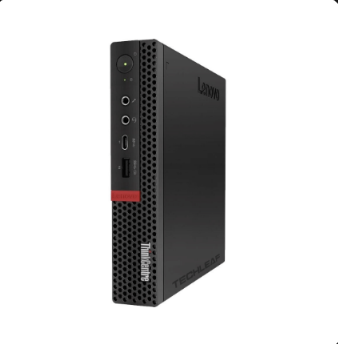
Total cost: $342
Might not be the best deal, but I’m still new to all of this and was just excited to start. After purchasing, I started thinking of all the different services I could host now that I was going to start my own home lab. I know this Mini PC isn’t going to be able to do everything (i.e. hosting my own Jellyfin server to get rid of some streaming services), but it’s a start!
Proxmox
Unfortunately, my Mini PC was delayed and I will not be getting it until tomorrow. However, I thought I’d give a breakdown on my current plans for this server. The same friends recommended starting with Proxmox Virtual Environment (Proxmox VE) to manage all my services. The game plan is to put every service in it’s own container.
Although I don’t have my Mini PC yet, I decided to get everything I could prepared on my side. I started with flashing a USB drive with Proxmox VE using balenaEtcher. Surprisingly, and I hate to admit this, I don’t know where all my USB drives went.. After a short trip to a local computer store and $23 later I had one to load up Proxmox VE on.
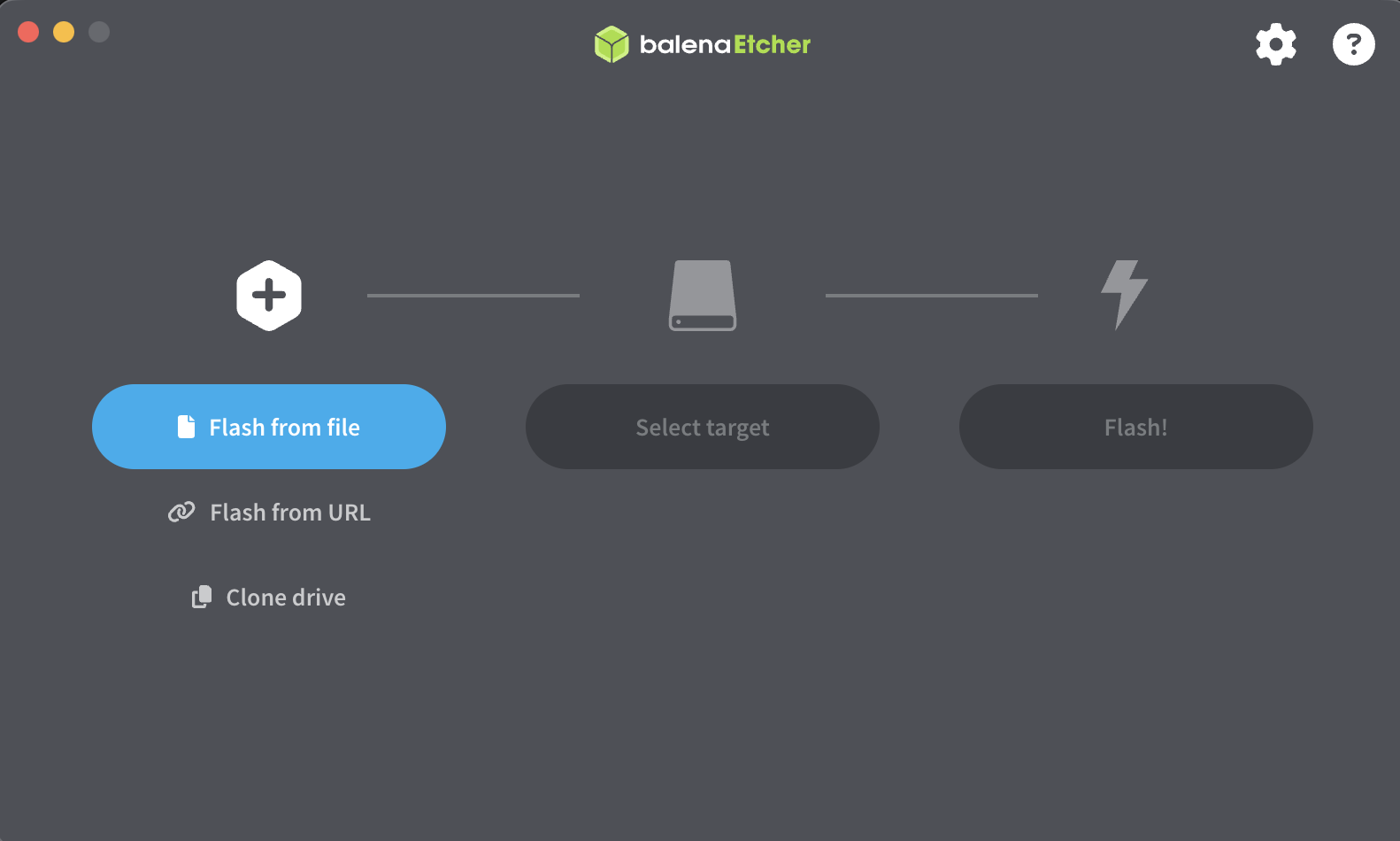
All set for tomorrow!
Goals
- Planned
- Trilium Sync Server
- Tailscale
- Caddy
- n8n
- AdGuard
- Future
- Network-Attached Storage (NAS) - To back my home lab environment up and for Jellyfin.
- Home Assistant - More control over my smart home.
- Frigate - To host my own security camera feeds instead of sending that data to a cloud outside of my control.
- JellyFin - To get rid of certain streaming services my family uses to watch one or two shows.
If you’re debating on what to do with your home lab, I would check out the following two sources for inspiration:
selfh.st is a collection of applications you can self host and contains a link to every applications website or GitHub page.
community-scripts is a list of community-driven scripts for Proxmox. It doesn’t show every app that you could install, but will give you one command to easily setup the container/VM and the service of your choosing. Please verify the GitHub script you’re running before executing! I personally just used it as inspiration for what apps I could host and did everything else manually.
Links to all Blog Posts
This blog post is going to be a one-stop shop for everything I’m doing! Below I will link every other blog post in this series and will try to always link back here in the other posts.
I am going to skip the Proxmox setup as they are a ton of great resources out there. I personally watched a NetworkChuck video on how to install and set it up. I would pay close attention to the STEP 3: Increase Storage section!
| Blog Post | Link |
|---|---|
| Deploying a Trilium Sync Server | Deploying a Trilium Sync Server |
| Remote Access with Tailscale & Caddy | Remote Access with Tailscale & Caddy |
| Automating with n8n | Automating with n8n |